Everything your Mac is doing, at a glance.
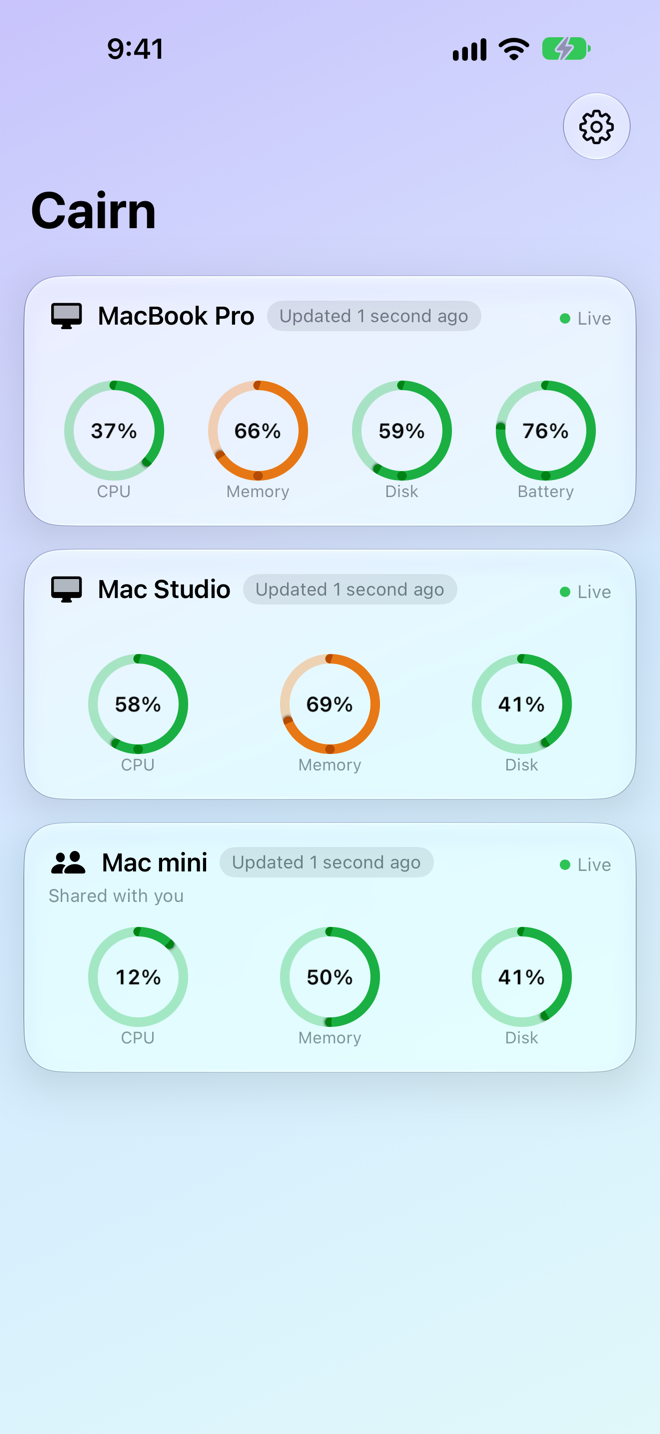
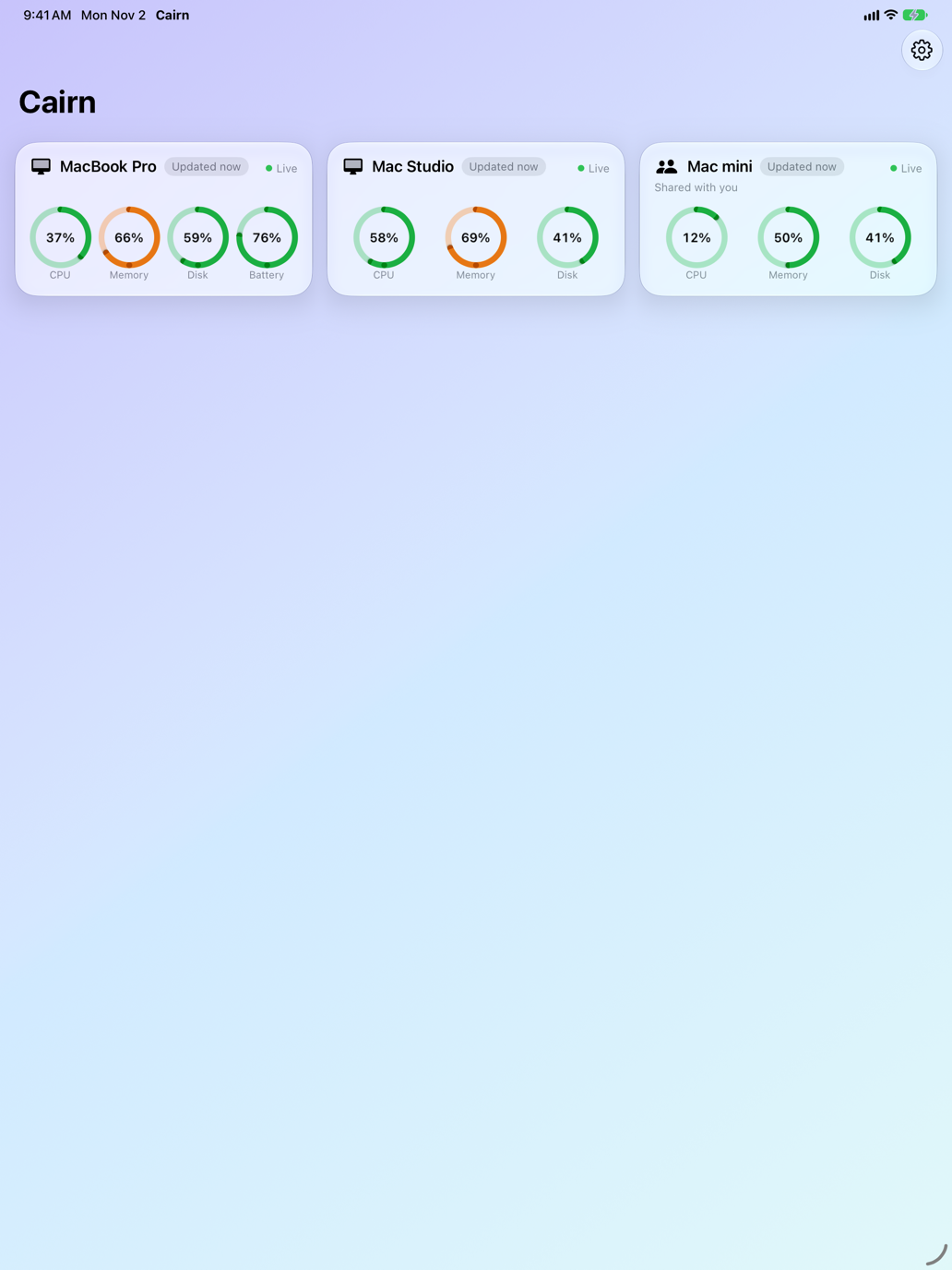
Install Cairn on a Mac and that Mac shows up on all your devices, with live gauges. Open one for the full picture.
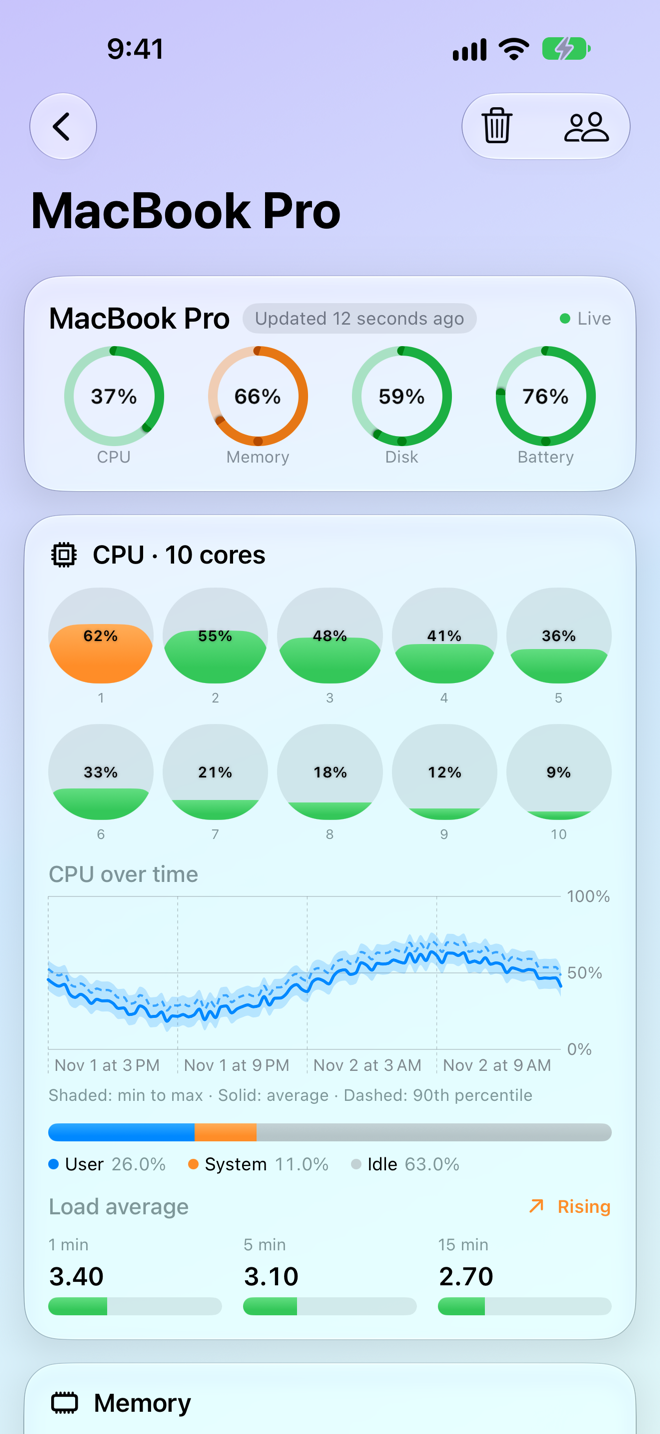
CPU
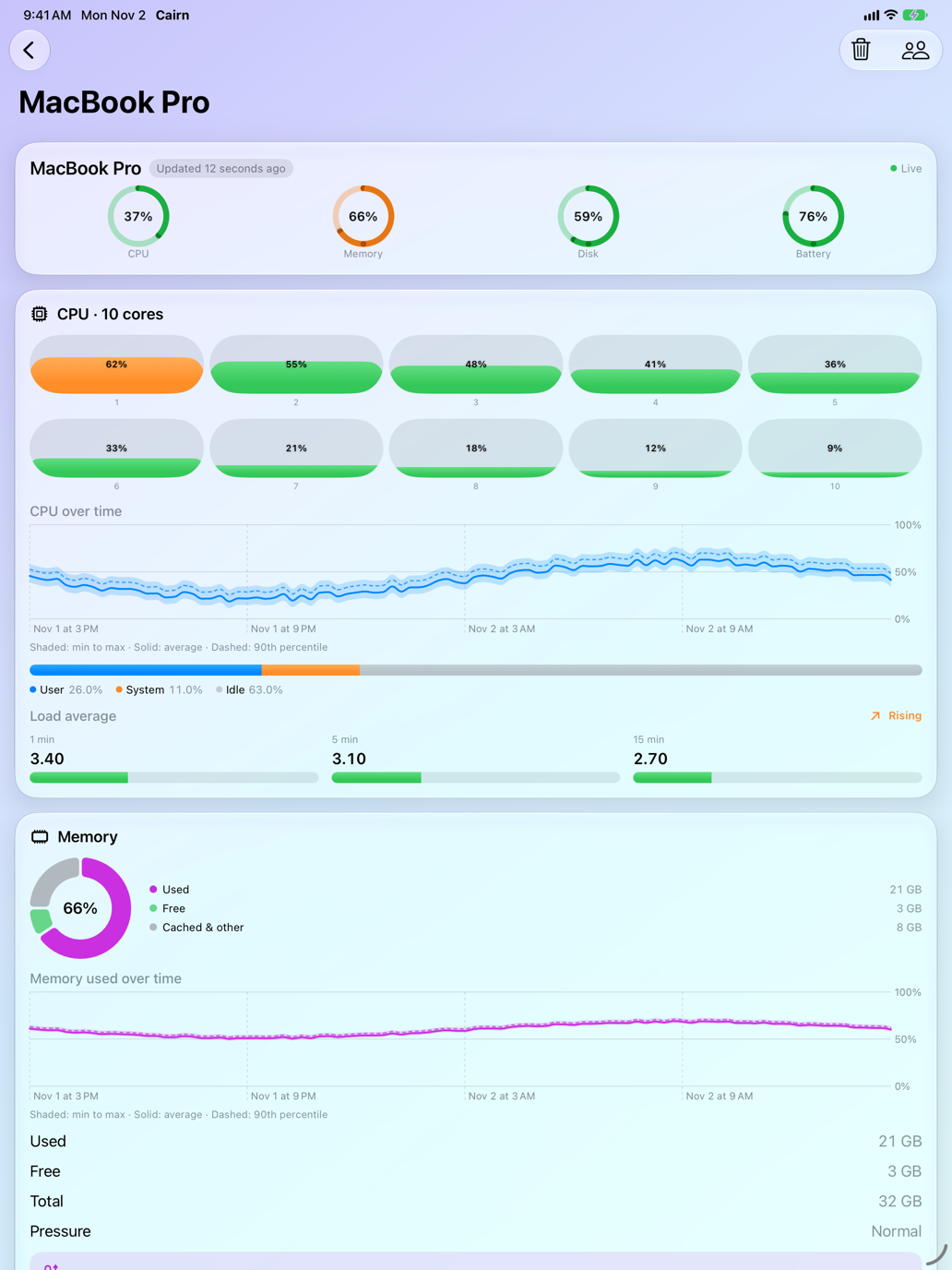
Overall load, every core, user and system time, and load averages.
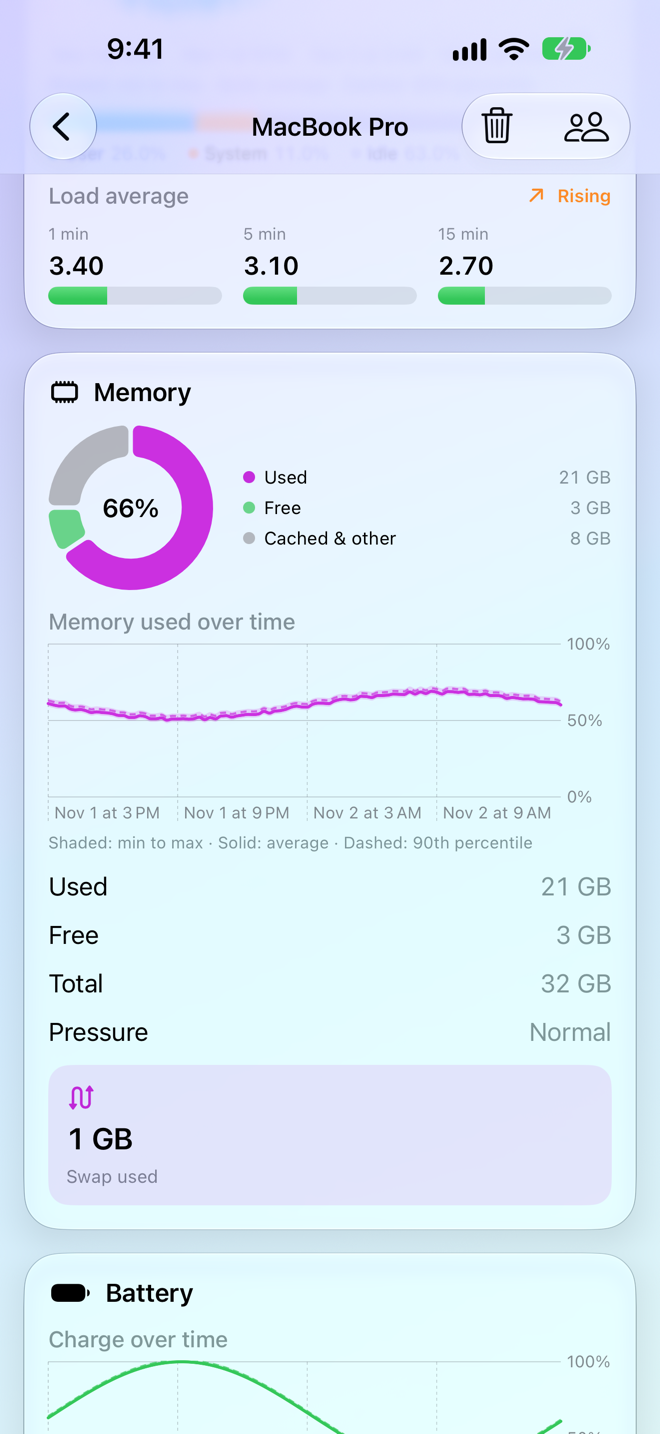
Memory
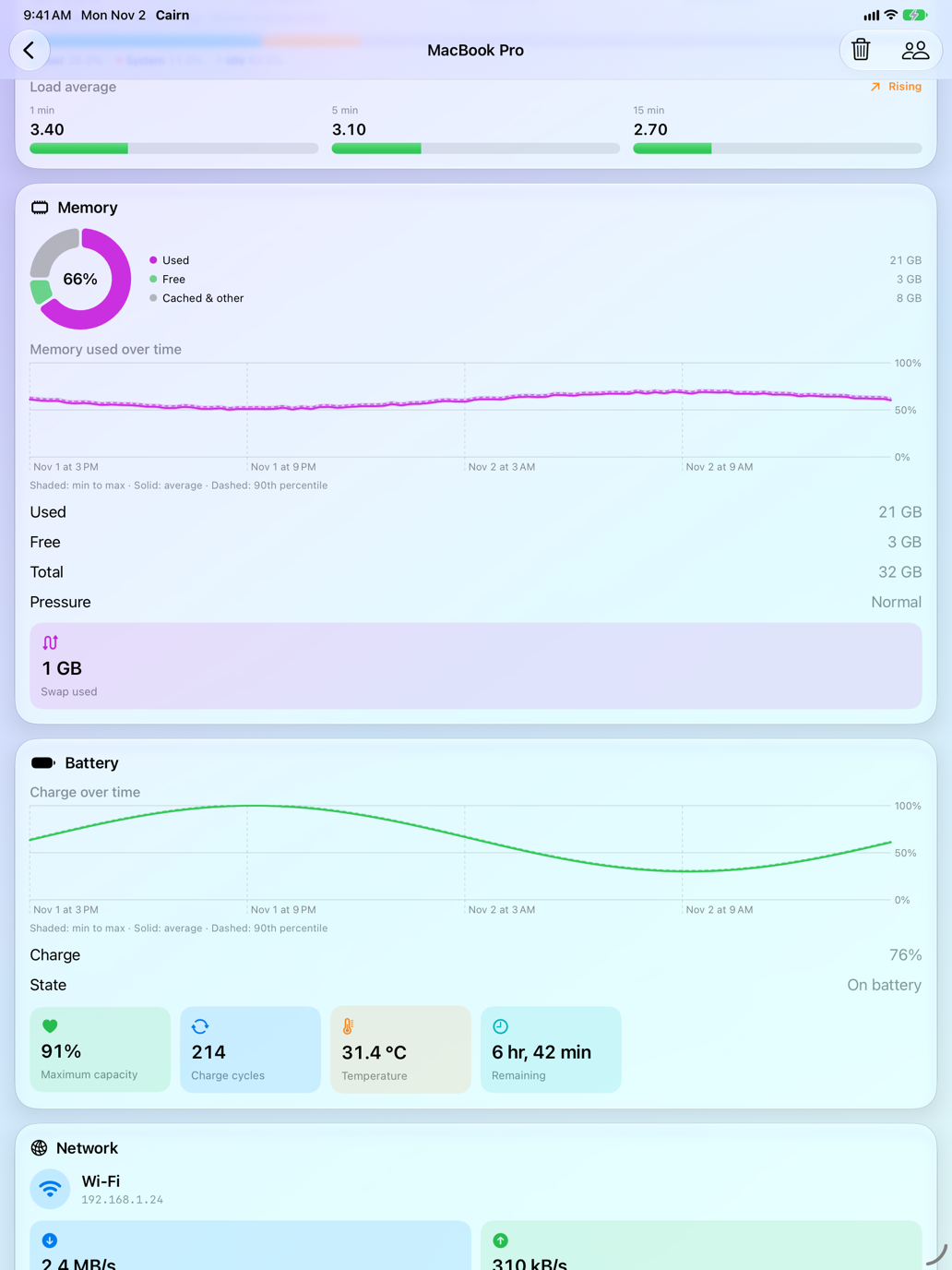
Used, free and cached memory, memory pressure and swap.
Disk
Used and available space.
Battery
Charge, state, maximum capacity, cycle count, temperature and time remaining.
Network
Connection type, IP address, and live download and upload speed.
Graphs that tell you what happened.
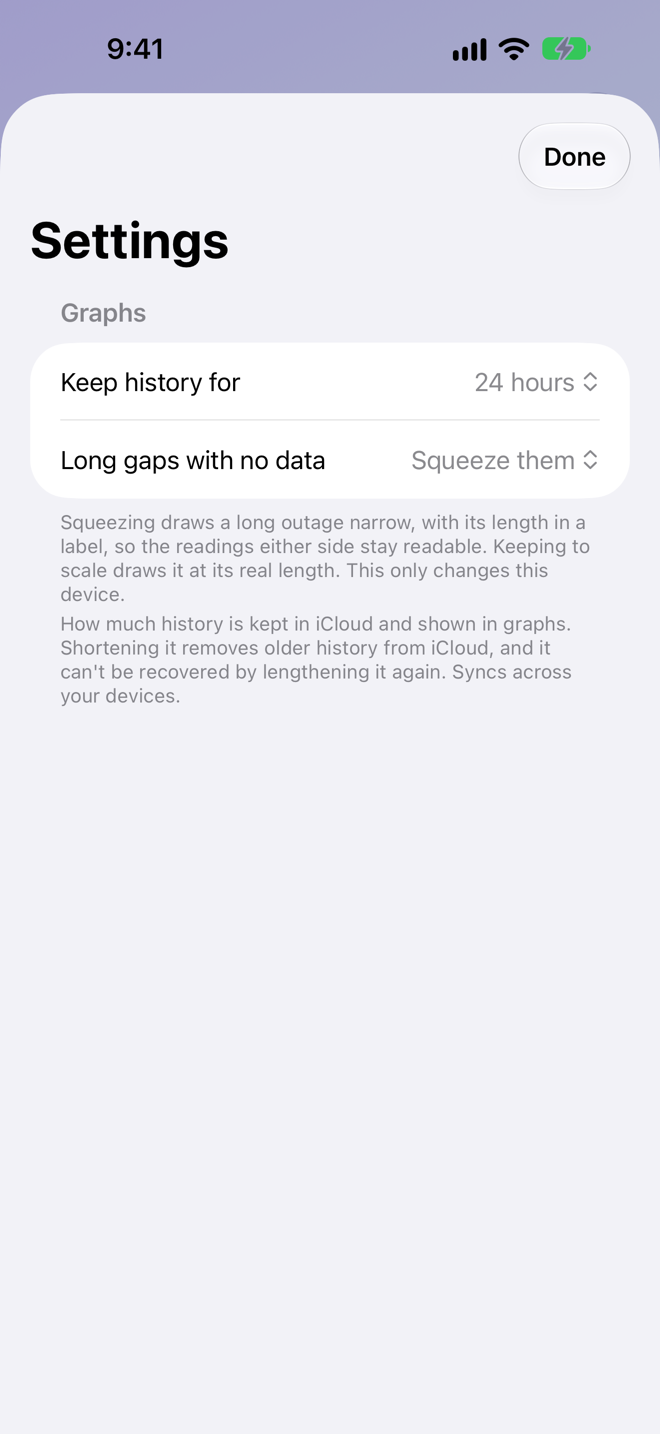
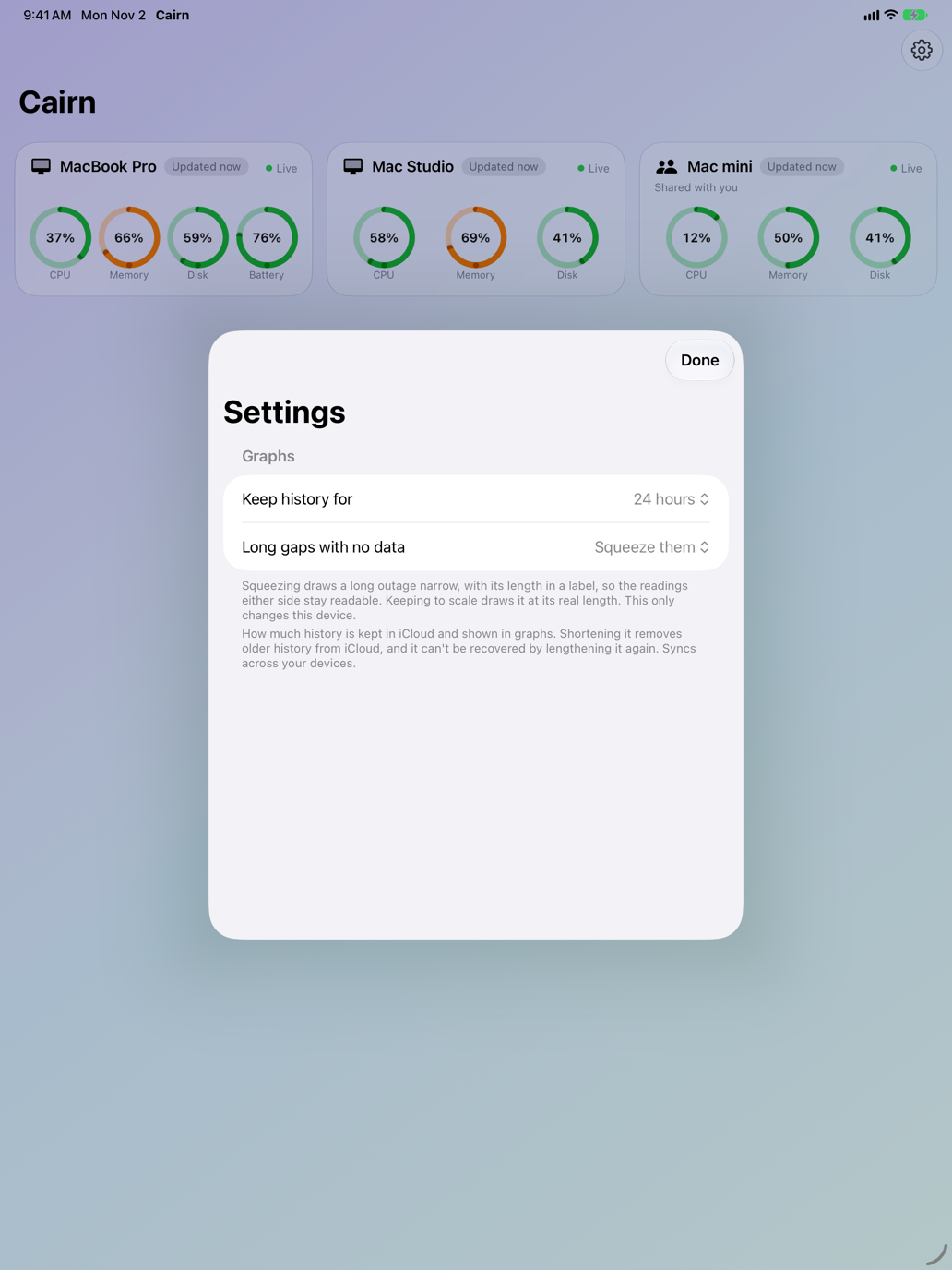
CPU, memory and battery charge over time, with the average, the 90th percentile and the minimum-to-maximum range. Hover over a graph on your Mac to read the exact numbers. Keep anywhere from one hour to a week. When a Mac was off or offline, the graph shows a gap, squeezed so the readings either side stay readable, or kept to scale if you prefer.
Share one Mac.
Invite a family member or a teammate to watch a single computer. See who has access, and stop whenever you like.
Keeps collecting when you close it.
By default a small background item starts when you log in and keeps your Mac reporting with Cairn closed. Prefer a menu bar icon, or nothing running at all? Choose in Settings.
Easy to find, easy to bring back.
Your own Mac's card carries a "This Mac" tag. If it isn't in the list, a card appears with one button to start collecting again.
Built for each one.


No account. No servers. No tracking.
Your stats are stored in your own iCloud, and nobody else can see them unless you share a computer. Read the full privacy policy.
- No account to create and no servers of ours.
- Stored in your own iCloud.
- No ads, no analytics and no tracking.
A few things before you start.
- Stats update about once a minute. A Mac that stops reporting is marked Offline after a few minutes.
- A Mac has to be awake and collecting to report. By default a small background item keeps collecting after you close Cairn, and macOS may ask you to allow it in System Settings > General > Login Items.
- Every device needs to be signed in to iCloud.
- Requires macOS 27 or iOS 27 or later.